Before the round: choose the stake
The stake is the amount used for one round. Start with 100 virtual points in our example. That number stays separate from the multiplier: a 100-point stake is still a 100-point stake when the displayed value reaches 1.50×.
Entering an amount does not, by itself, establish that an app accepted an entry. Check the round attached to the entry and its status. A value prepared for the next round should not be mistaken for participation in the current one.
Stake’s walkthrough separates entering the stake and cash-out target from submitting an entry for the next round. Those are Stake’s controls, not verified instructions for a Master Crash app. The useful distinction is between a prepared value and an accepted stake.
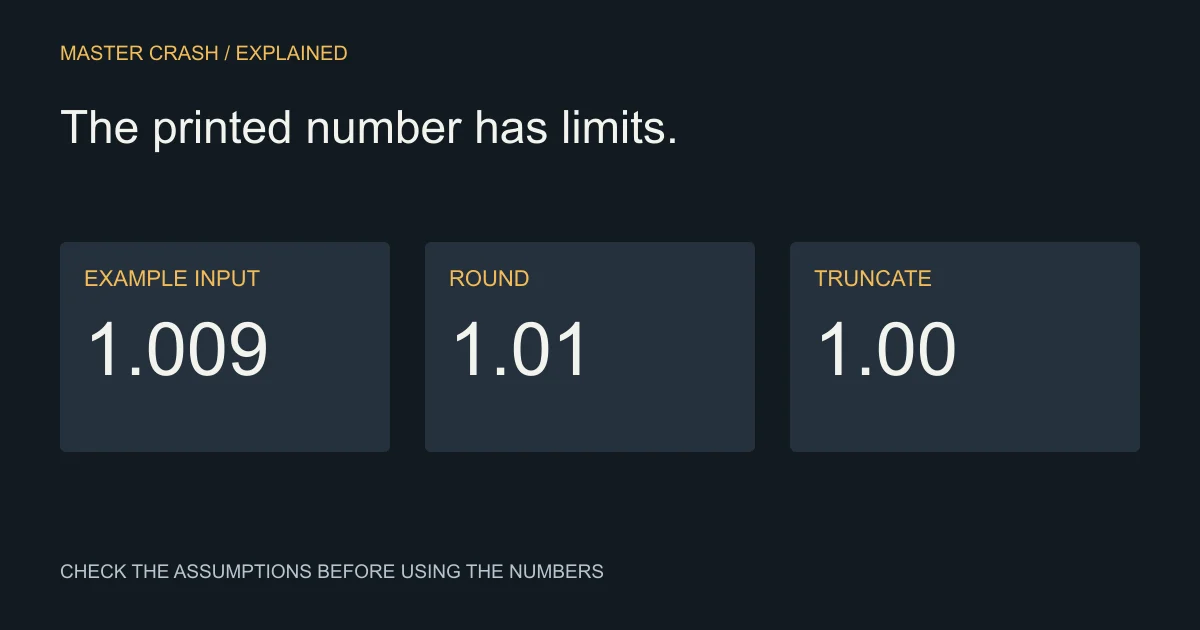
What if the cash-out and crash show the same multiplier?
A rounded display is not enough to decide whether an entry succeeded. Check the recorded status and accepted cash-out value, then apply the rules for that particular game. A target or button press alone does not confirm settlement.
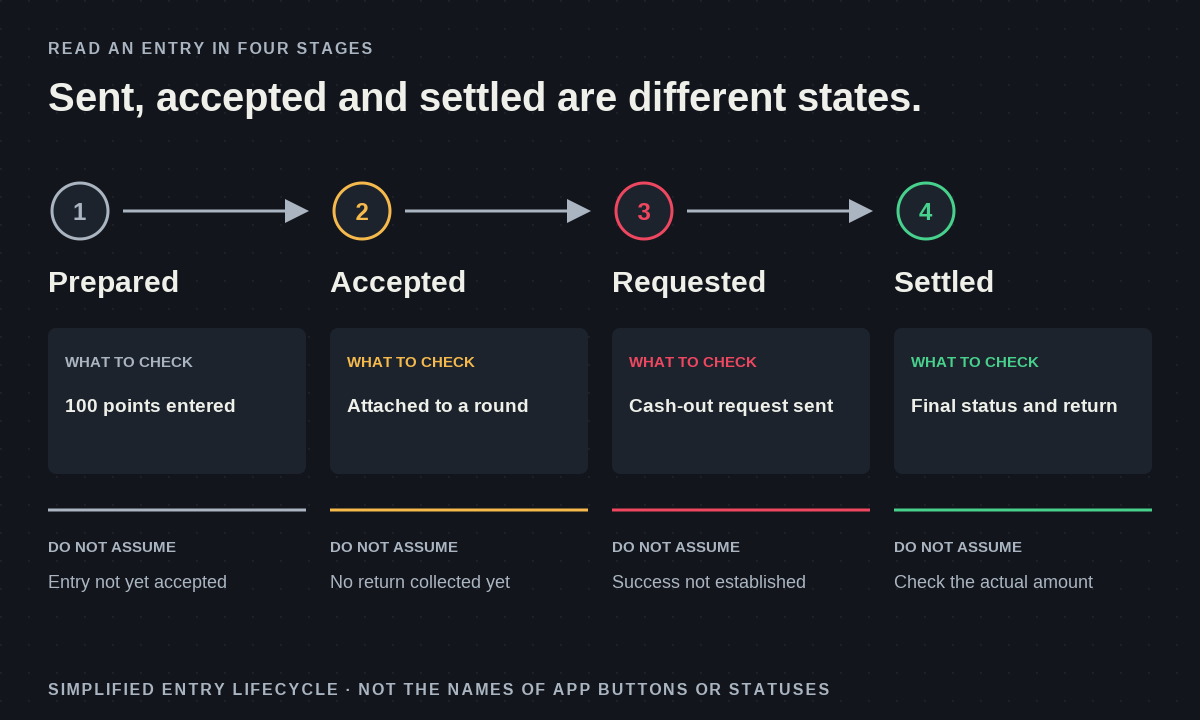
Separate the four stages of an entry
| Stage | What to check | What it does not establish |
|---|---|---|
| Prepared | 100 points entered | That the entry was accepted |
| Accepted | Entry attached to a round | That any return has been collected |
| Cash-out requested | Request sent during the round | That the request succeeded |
| Settled | Final entry status and return | What a later round will do |
This is a way to organise a result check, not a claim about the names of buttons or statuses in an app. If an entry was rejected or never submitted, that is different from an accepted stake losing when a round crashes.
While the multiplier rises
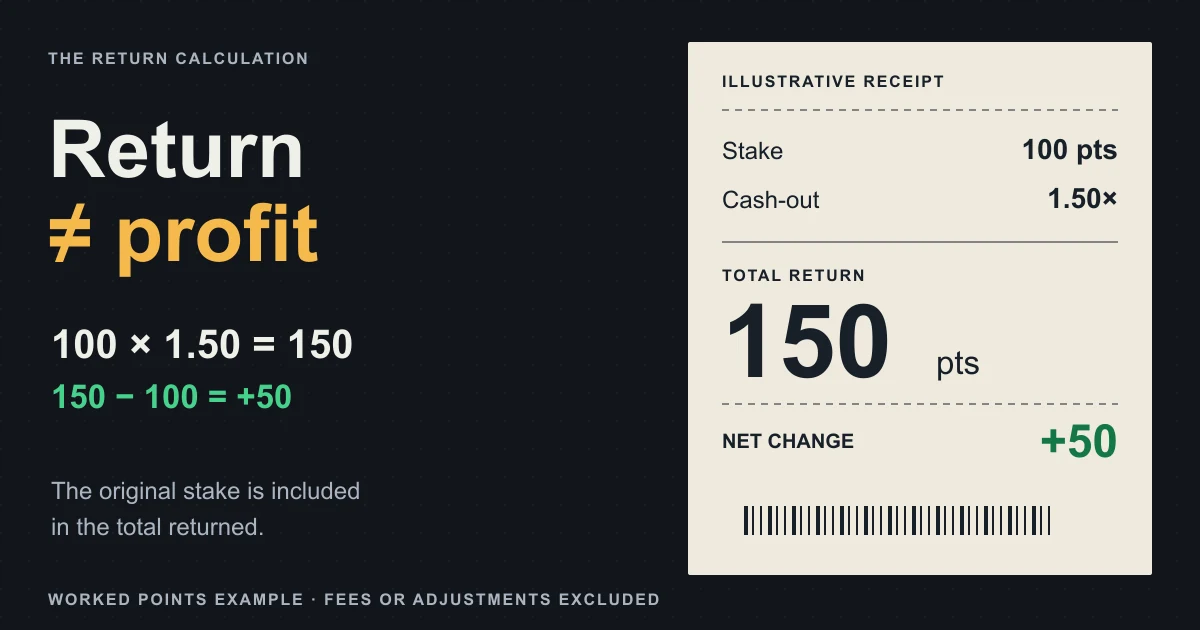
Watch the total return beside the amount field. For a 100-point example, a displayed value of 1.25× corresponds to 125 points; 1.78× corresponds to 178 points. These are amounts you could receive at those values, not points already collected.
The distinction matters when reading an unfinished round. Seeing 178 points on the screen does not mean that 178 points have been returned. The round still needs a completed cash-out. A screenshot of a moving number cannot establish the accepted value of a request sent around the same time.
The same stake, two different results
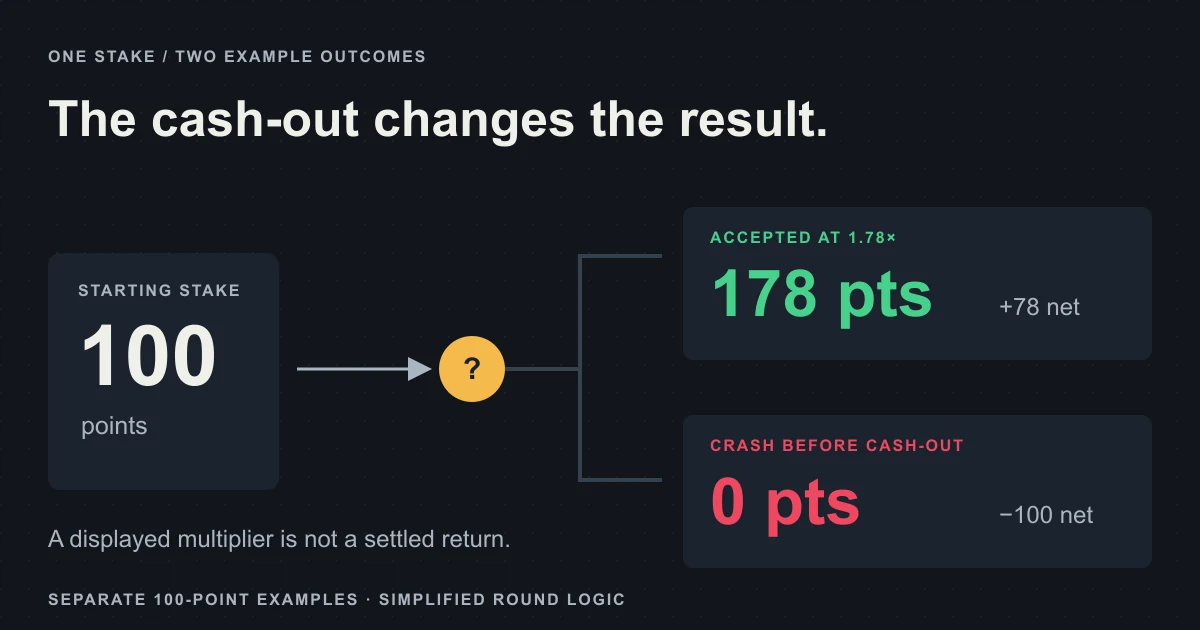
Suppose the example reaches 1.78×. Press Cash out while the demo is running and it stops with a total return based on that displayed value. For 100 starting points, that is 178 points in total, or 78 more than the starting amount.
Now consider a separate example where you do not press Cash out before the crash. Its return is zero. A higher number displayed earlier in that round does not count as a completed cash-out.
| Result | Total return | Change from stake |
|---|---|---|
| Cash out at 1.78× | 178 pts | +78 pts |
| Crash before cash-out | 0 pts | −100 pts |
The round may continue after an entry has cashed out. If that round later reaches 3.00×, it does not revise an already completed 1.78× result.
When the displayed values look equal
Two values displayed as 1.50× may conceal differences in timing or precision. A cash-out label and a crash label showing the same two decimals are not enough to determine which event the service accepted first.
Check the app’s rule for equality at the boundary, its recorded precision and its confirmation policy. This guide has not verified those details for a Master Crash app. Similarly, if a record says void, cancelled or refunded, read that status before applying the normal loss calculation. A return of the stake is neither a successful multiplied cash-out nor a normal full-stake loss.
Check the completed result
When reviewing an example, write down the stake, the accepted cash-out value and the total return. If a normally settled entry had no cash-out, record a zero return. This keeps an amount briefly shown during a round from being mistaken for its final result.
For instance, “100 points, cash-out 1.78×, return 178 points” is a complete calculation. “The round reached 1.78×” is not enough: it does not say whether a cash-out happened.
Keep the round identifier and the entry identifier too, if both are available. They connect the calculation to a particular record. If the arithmetic differs from the credited amount, check rounding, a stated limit or a separately itemised adjustment before drawing a conclusion.
A short glossary for reading a record
- Stake: the amount committed to that entry.
- Crash point: the multiplier at which the shared round ends.
- Accepted cash-out: the value recorded for an entry that successfully ended before the crash.
- Total return: the amount returned, including the original stake.
- Net change: total return minus stake, before any separately stated adjustment.
The return-calculation article works through these last two numbers across both successful and losing entries.
What the browser demo does
In the browser demo, enter your amount before pressing Start demo round. The amount field is disabled while the example is running, so changing it cannot alter a round already in progress.
The demo uses a fixed sequence of example crash values. It is useful for following the controls and checking arithmetic, but its results cannot tell you the odds of a real game. Reset clears the example and restores the amount to 100 points. It does not test a networked app’s acceptance rules, payout limits or settlement process.
Sources & further reading
- Stake: Crash walkthrough and entry controls
- Master Games: Master Crash round mechanics
- Master Crash browser demo used for the worked example
Worked examples are illustrative. Operator documentation describes that operator’s product and is not an independent audit of the games discussed here.
Try the cash-out example
Use virtual points to see the return calculation while a demo round runs.
Open the demo